From the first ring to the paid invoice.
AlwaysRespond answers every call in your company's name, books the job on your calendar, sends your tech and collects the payment. Every feature on every plan.
1 month free. We read your site, and setup takes about 10 minutes.
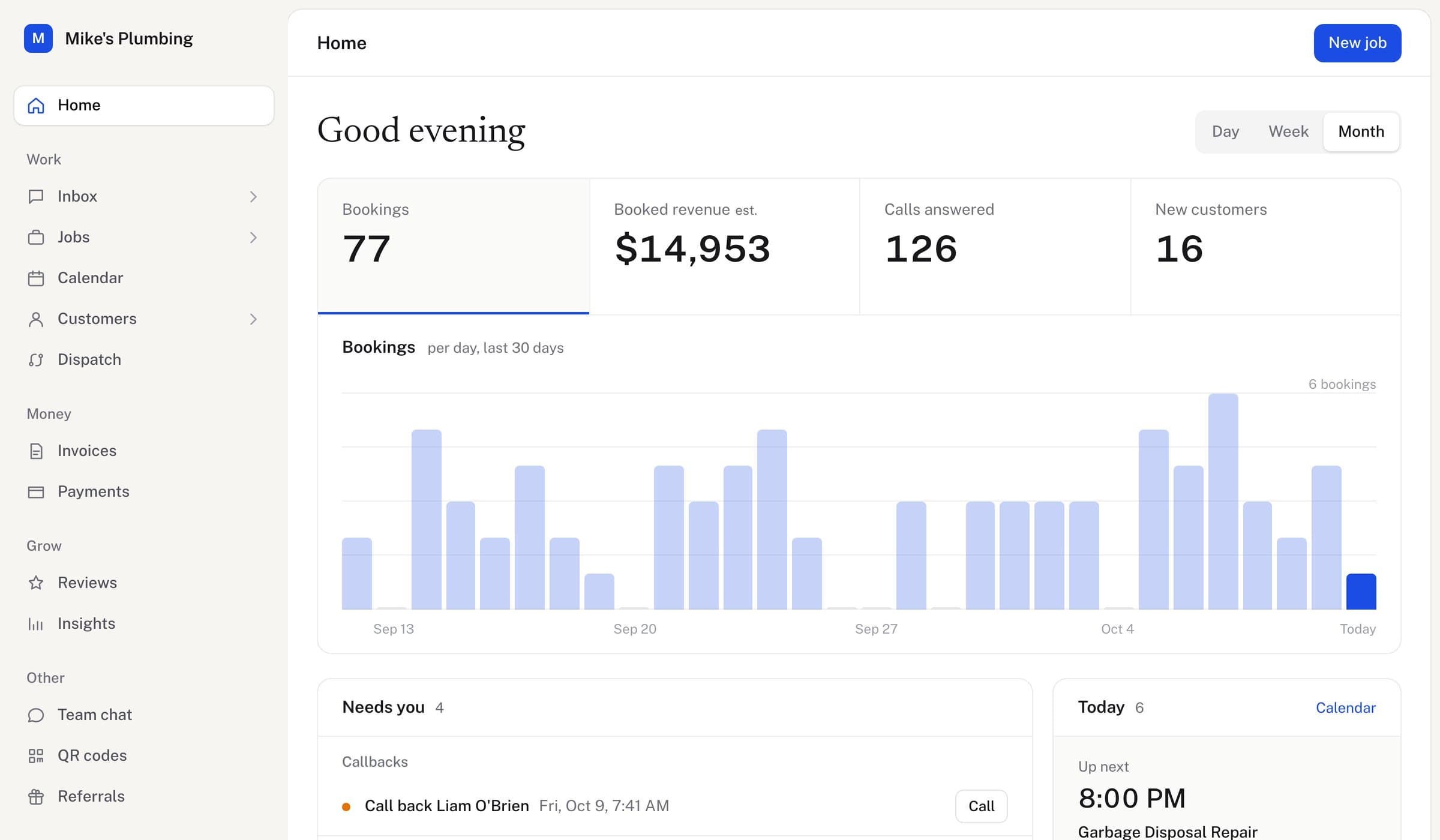
- Answers in your company's name, day or night
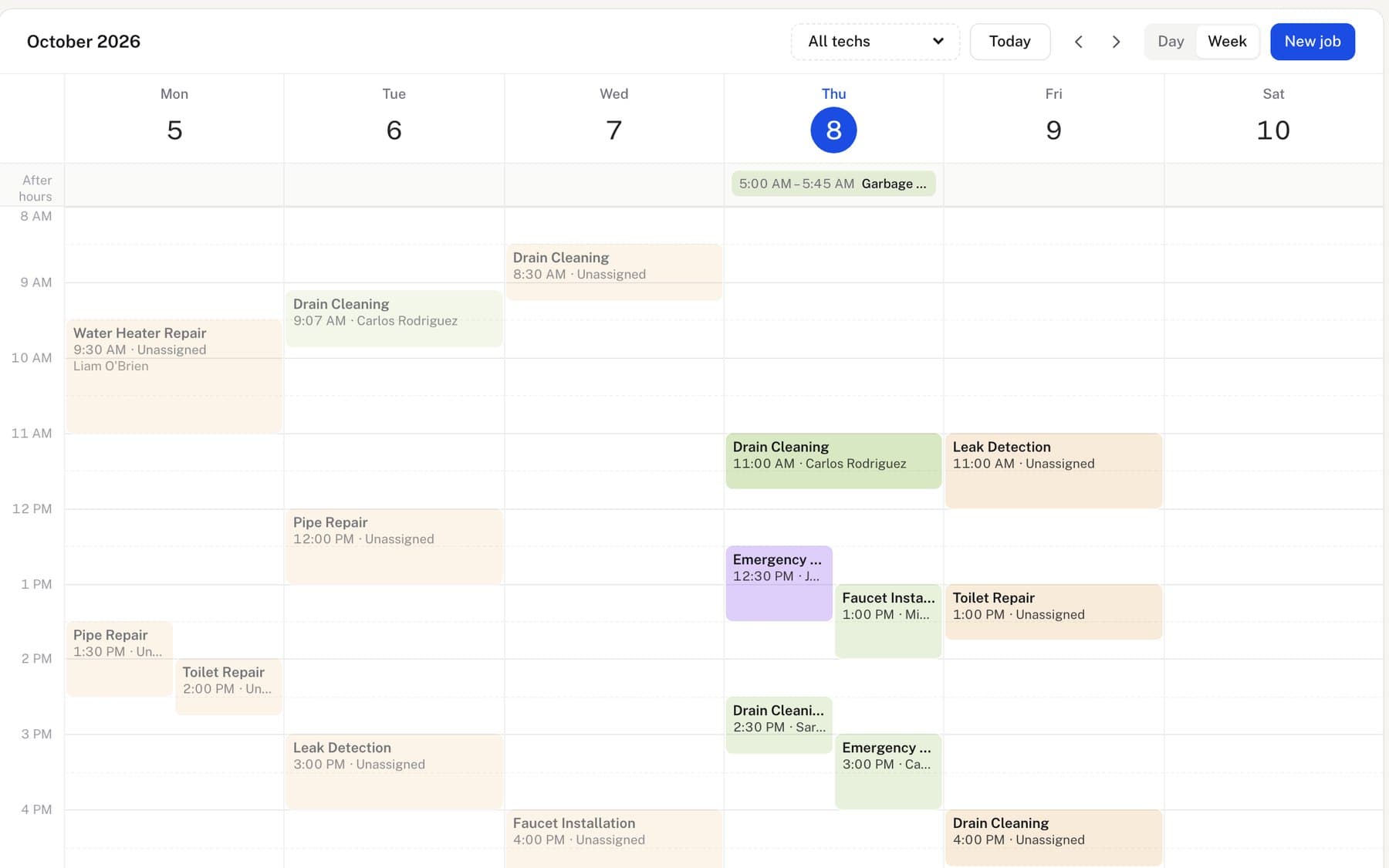
- Books the job on the calendar you use
- Texts the caller a confirmation
One call becomes the whole job.
The job is confirmed, the right tech is dispatched and the invoice gets paid.
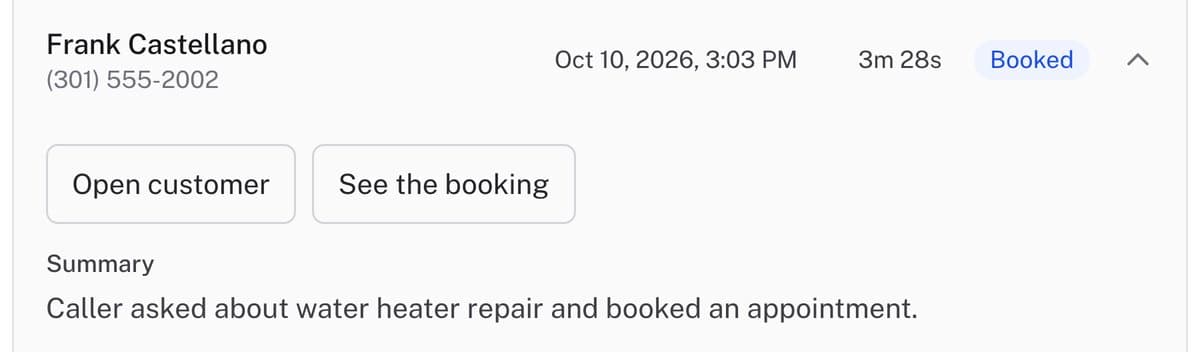
What happens during and after the call.
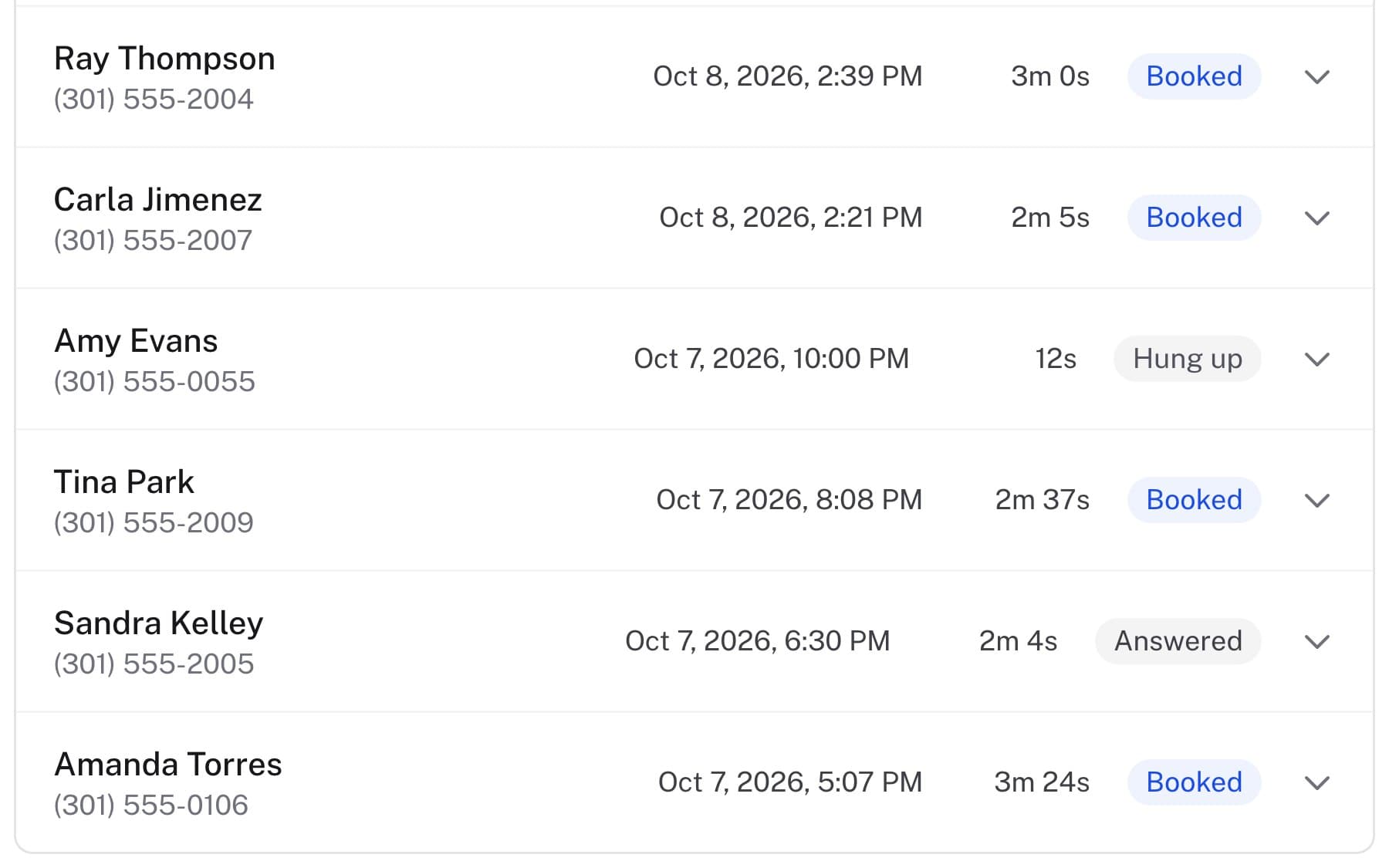
Answers every call
Picks up in your company's name, day or night, and asks what they need.
Books the job
Puts the job on your calendar with the address and the details.
Texts the confirmation
The customer gets the time by text. You get the details on your phone.
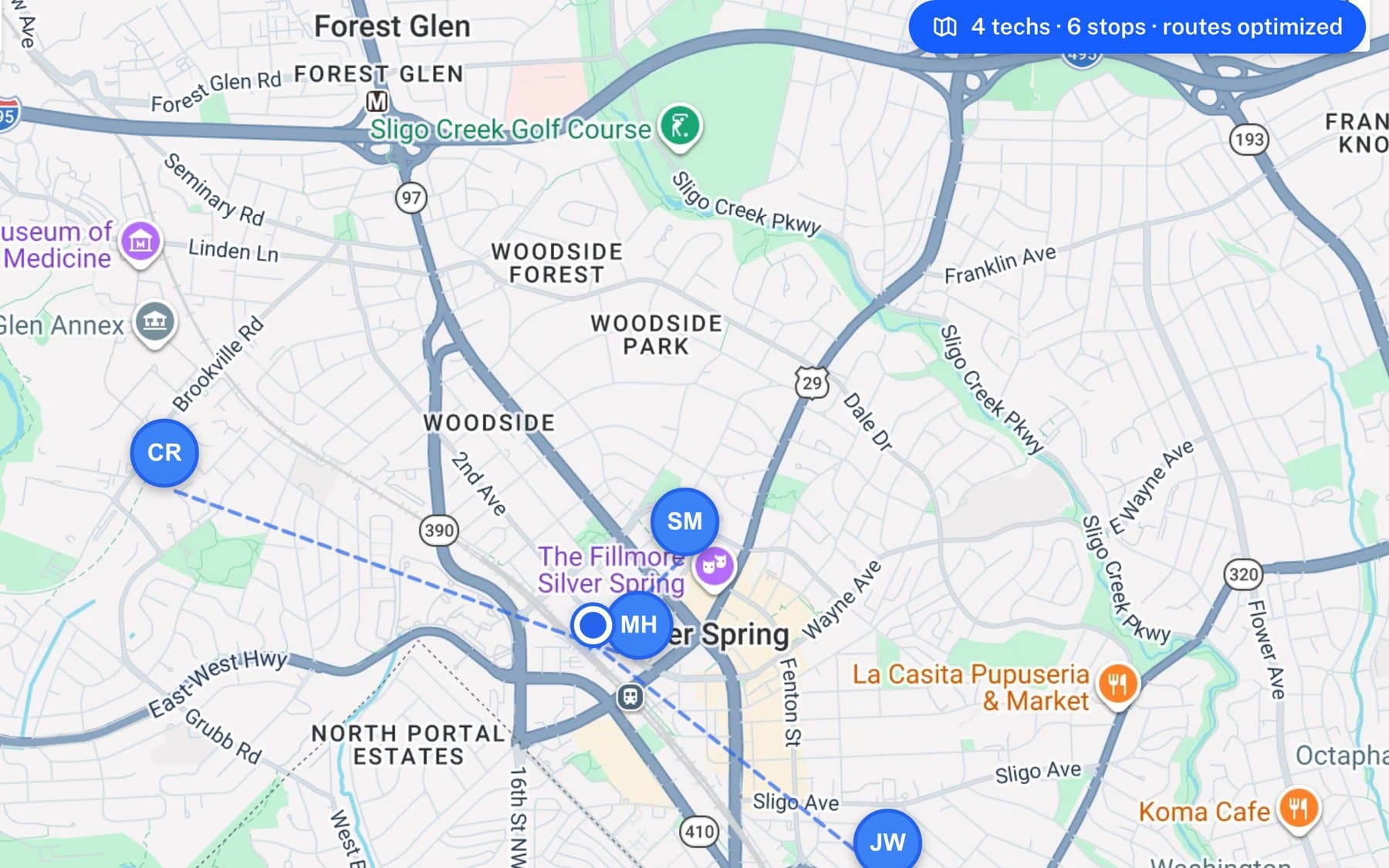
Dispatches the tech
AlwaysRoute picks who has the skills, is on shift and is closest.
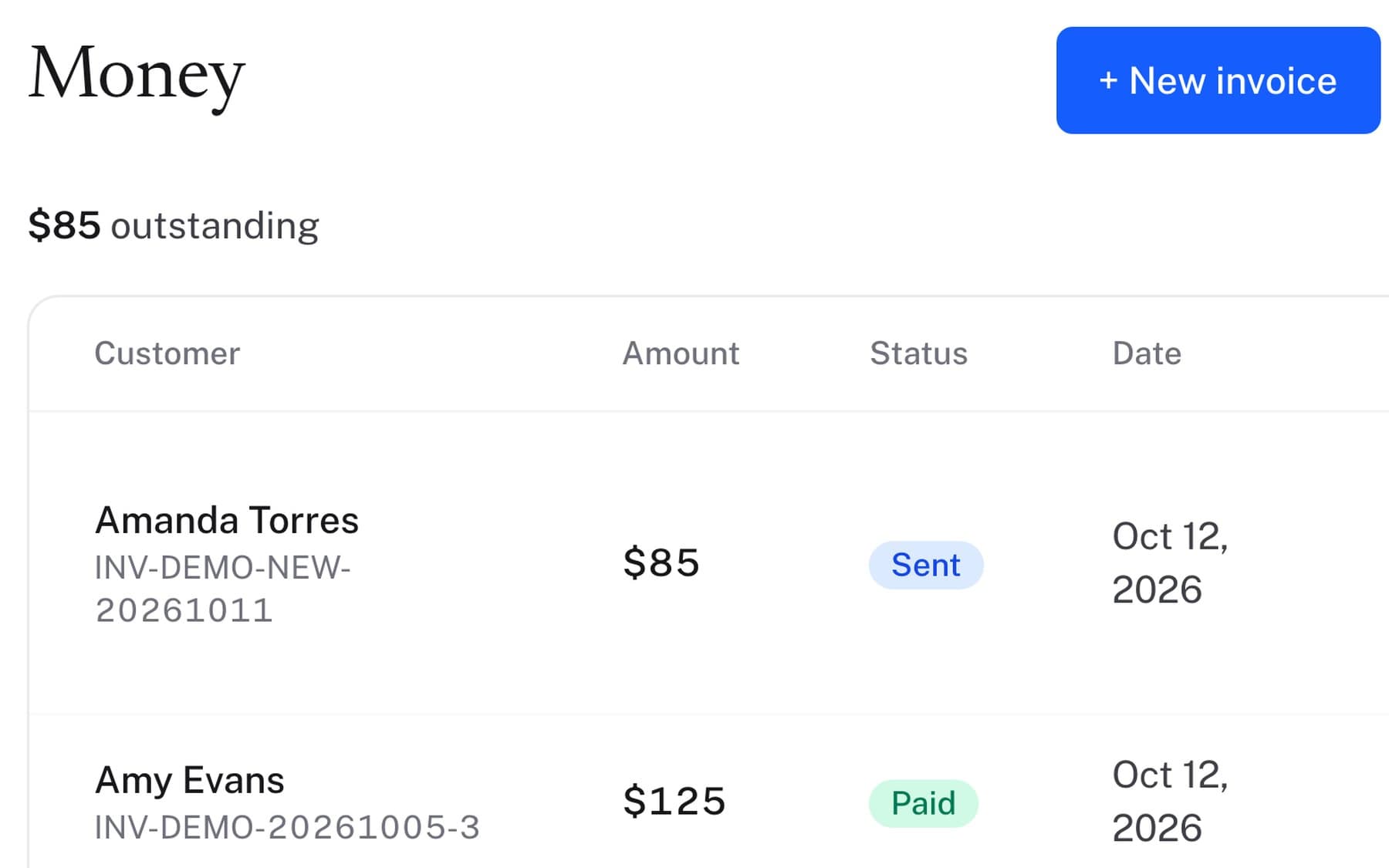
Invoices and gets paid
The invoice goes out by text; they pay by card through Stripe.
Asks for a review
When the job is done, it texts opted-in customers the same link to your reviews.
What it says on the call, it does.
If it tells a caller a confirmation is on the way, the text goes out. If it books the job, the job is on your calendar before they hang up, and urgent calls are sent to you straight away.
How it holds a conversation.
It sounds like your front desk because it works from your business, in 30+ languages.
Knows your business
It answers from your services, prices, hours and service area, not from guesses. Change them in the dashboard and the next call uses them.
Says when it is an AI
Once, up front, as several states require. Then it just helps.
Hands off what it should not handle
Urgent calls go straight to your phone. Anything it cannot answer, it takes down and texts to you right away.
Hear it for yourself.
Try to book a job with the AI yourself. It answers as a sample plumbing company.
Why answering matters.
- 80%of callers don't leave a voicemail. They call the next business.Source: Forbes
- 27%of calls to home services businesses go unanswered.Source: Invoca
- 7xmore likely to qualify a lead when you reach it within the hour.Source: Harvard Business Review
What are missed calls costing you?
Example: a plumbing companySimple pricing.
See pricingFrequently asked questions
Do I have to change my phone number?
No. You forward the number your customers already call, from any carrier, and can stop whenever you like.
What if it can't handle a call?
It doesn't guess. It takes a message and sends you the details right away.
Does it speak other languages?
Yes. It answers in 30+ languages, including Spanish.
How long does setup take?
About 10 minutes. Enter your website, review your services and hours, and make a test call.