
Get the right tech to the right job.
- Assigns every booked job to the best-fit tech
- Plans the route between their stops
- Emergencies go to the front of the queue
1 month free. We read your site, and setup takes about 10 minutes.
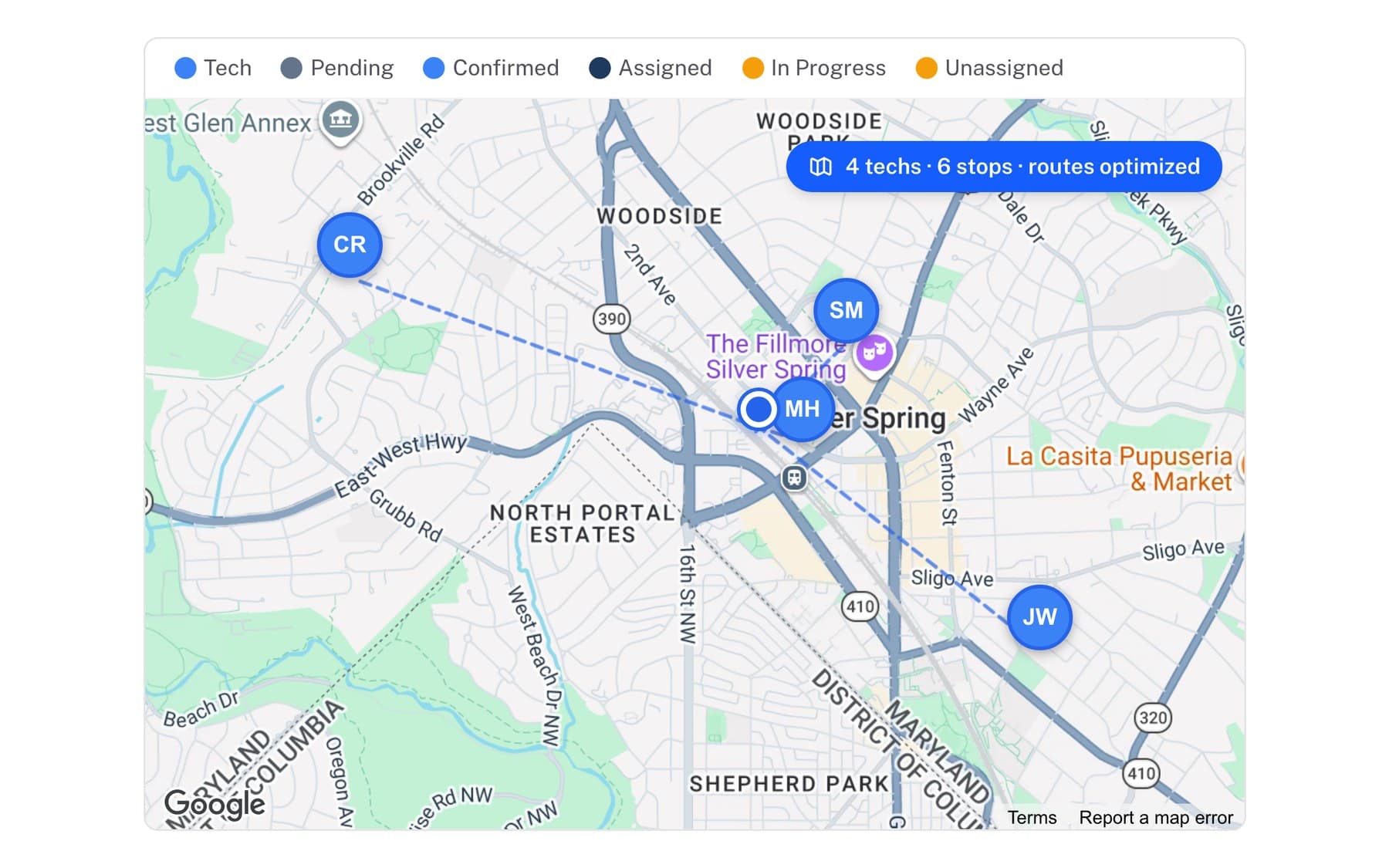
Four things AlwaysRoute checks before it assigns a job.
The best fit gets the job, and emergencies go to the front of the queue.
From booking to the right tech.
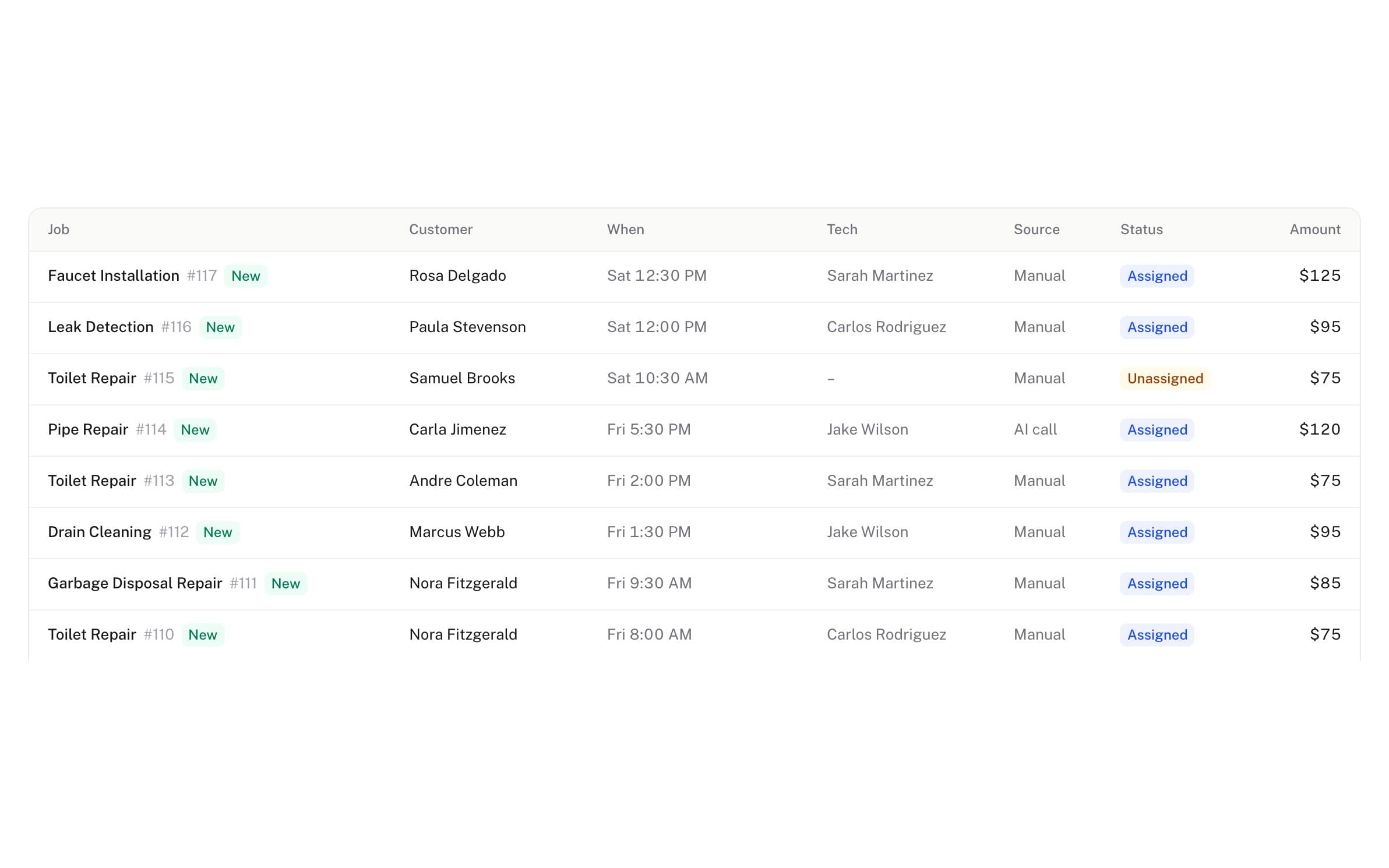
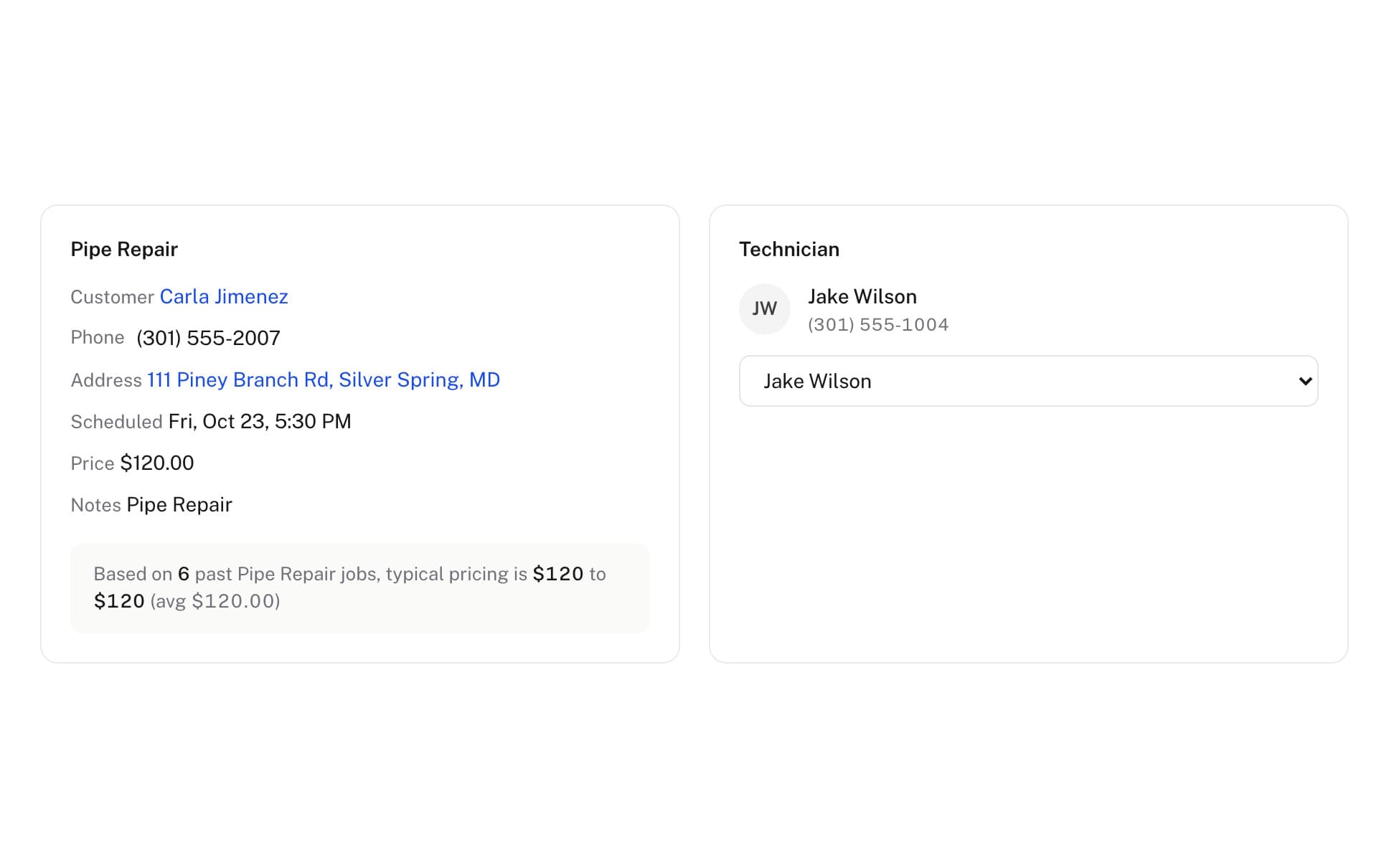
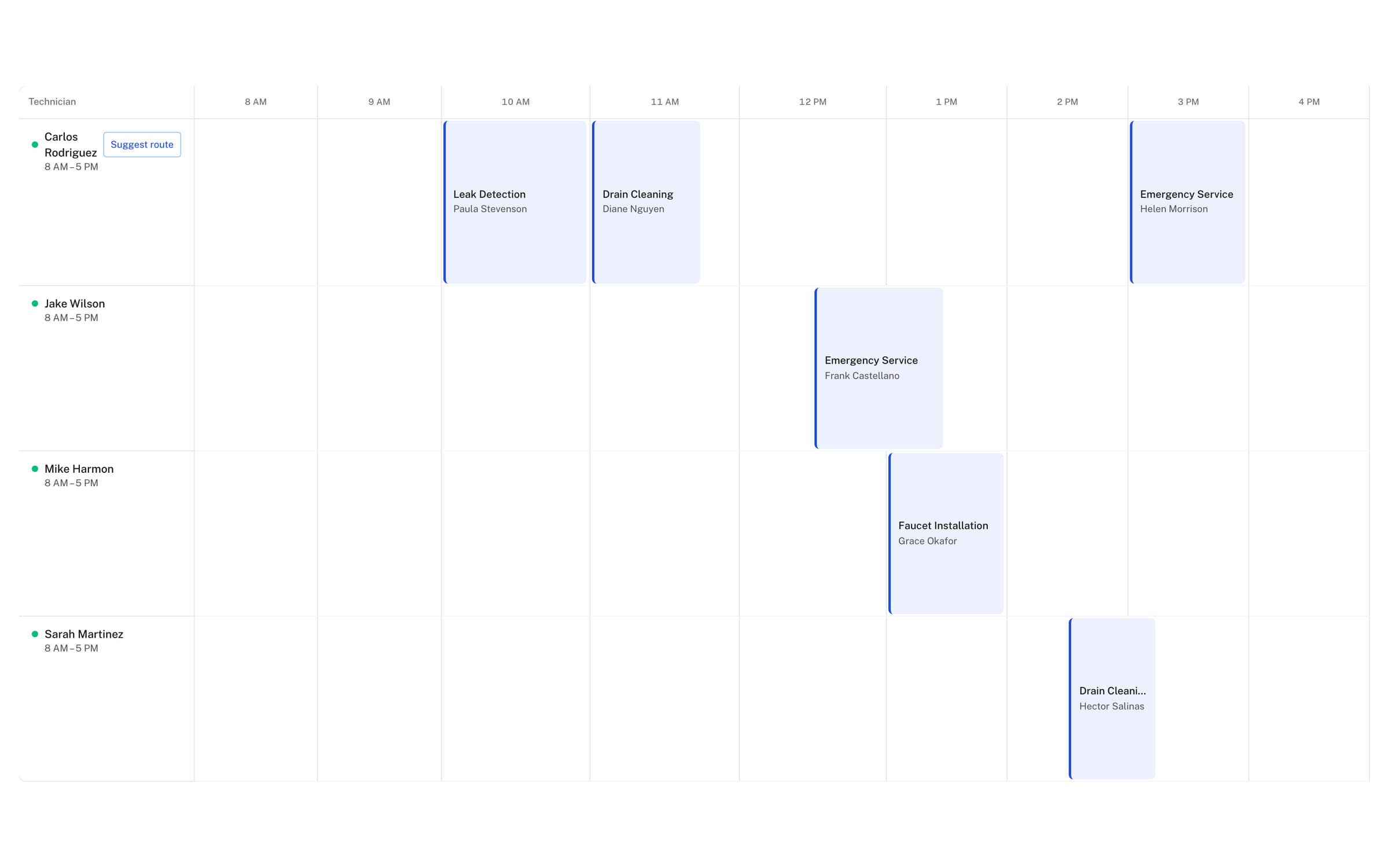
Your techs never miss a job.
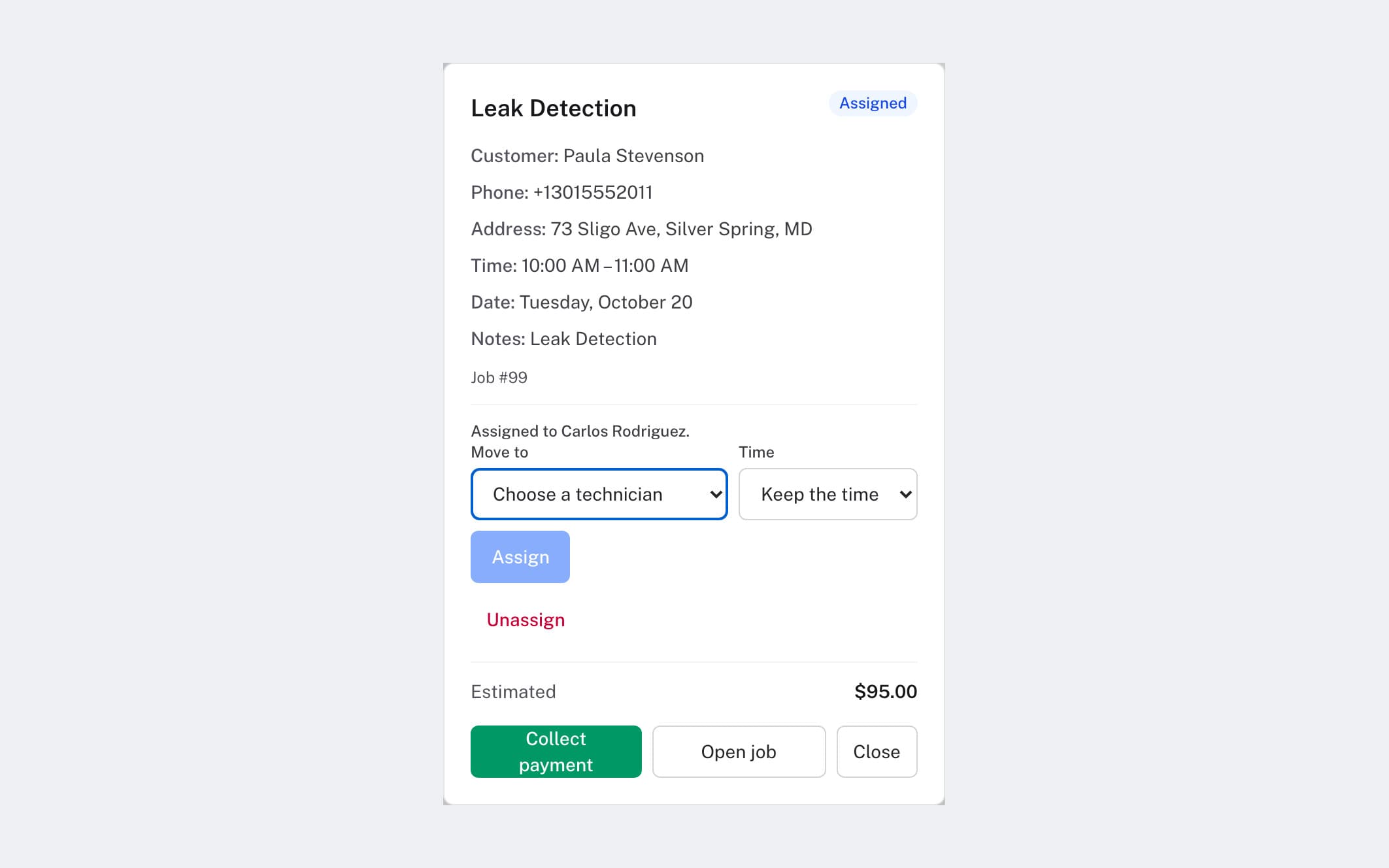
- Job card by textThe customer, service, time and address, with nothing to install.
- Live map from their phoneTechs share their location from the free app or their browser.
- Drag to reassignMove any job to another tech on the dispatch board, and that sticks.
The questions owners ask.
How does auto-assignment work?
When a job is booked, AlwaysRoute looks at which techs have the right skills, who's on shift in your business's own timezone, how far each one is from the job based on where their day actually has them, and how loaded their day already is. Best fit gets the job. You can override anytime.
Do my techs need to install something?
Nothing is required. Techs get job cards by text and can call the business line to hear their schedule, update a job, or mark it done. There's also a free iPhone app with schedules, job updates, team chat, and background location sharing, for crews that want it.
What happens when a customer cancels?
The job comes off the board, the assigned tech gets a text that it's cancelled, and the route stops planning around it. Reschedules move the job on the board the same way.
Can I overrule what AlwaysRoute decides?
Yes, on any job. Drag it to whoever you want on the dispatch board and that sticks. AlwaysRoute picks the best fit, but you always have the final say.
How are emergencies handled?
An emergency goes to the front of the queue instead of waiting its turn in the day's plan, and it is assigned right away.
Will it keep tracking my guys after they clock off?
No. A tech's dot is only on the map while they're sharing. Tapping stop on the My Location page clears it straight away, and a position older than 30 minutes drops back to their home base on its own.
I only run a couple of trucks. Is dispatch only on the bigger plans?
No. Dispatch is on every plan, and it works the same with two techs as with twenty: the job lands on the board with the address filled in, and the job card goes to whoever takes it. Plans differ only by how many calls are included and how many team members and locations you can add.