
Let customers book themselves online.
- Customers book at any hour, no phone call
- Shows only the times you're really free
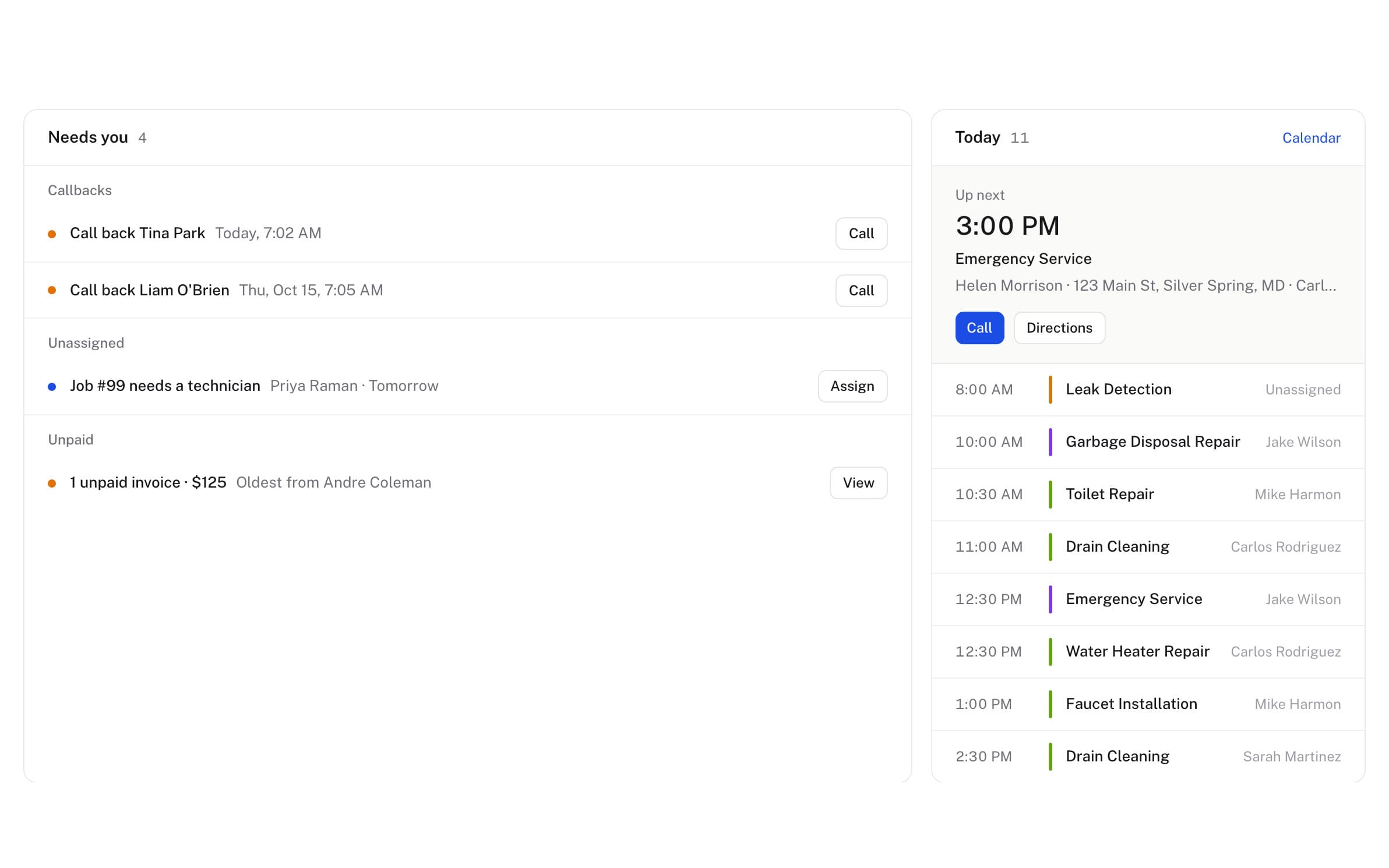
- Emergency requests alert you right away
1 month free. We read your site, and setup takes about 10 minutes.
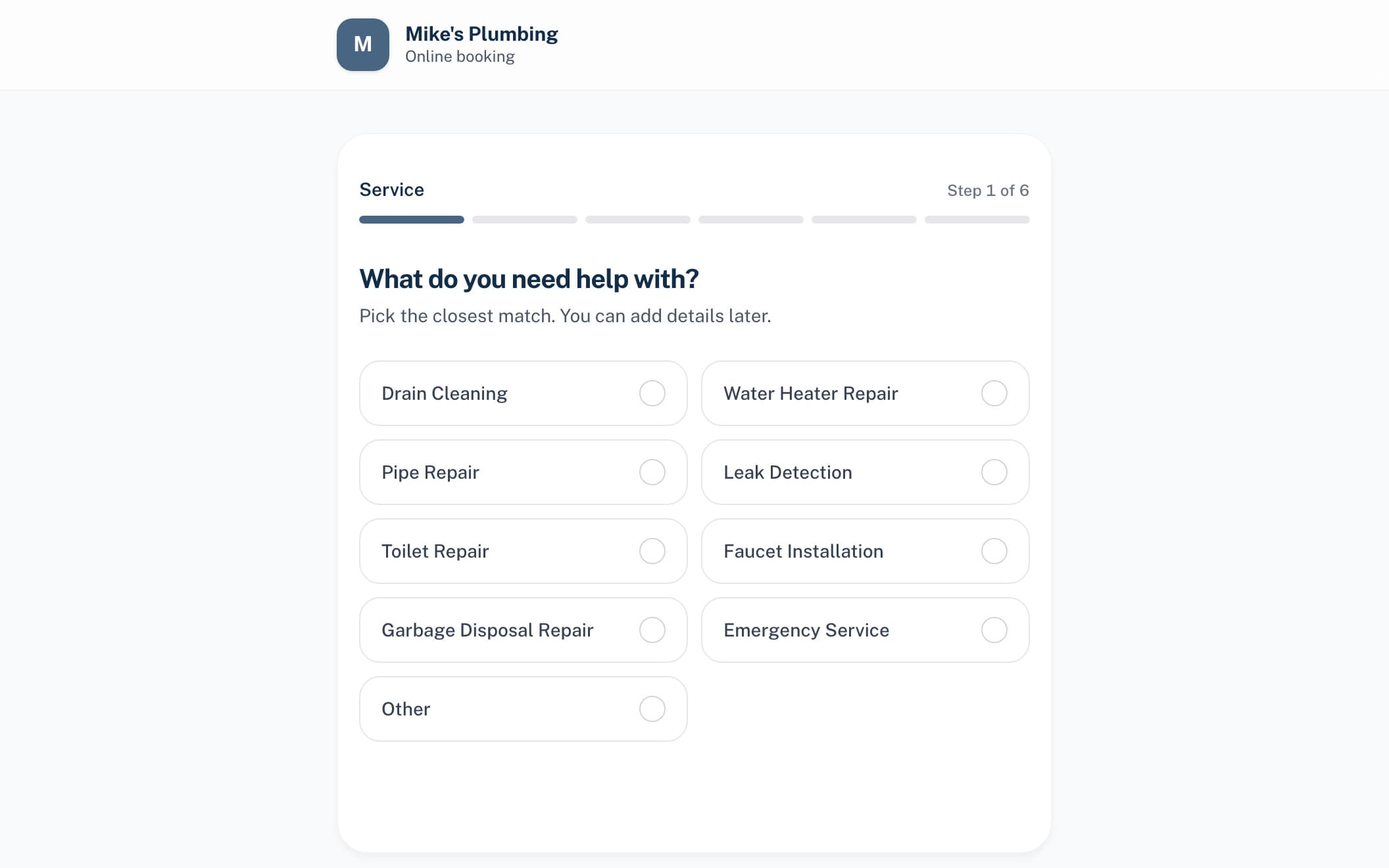
One online booking, start to finish.
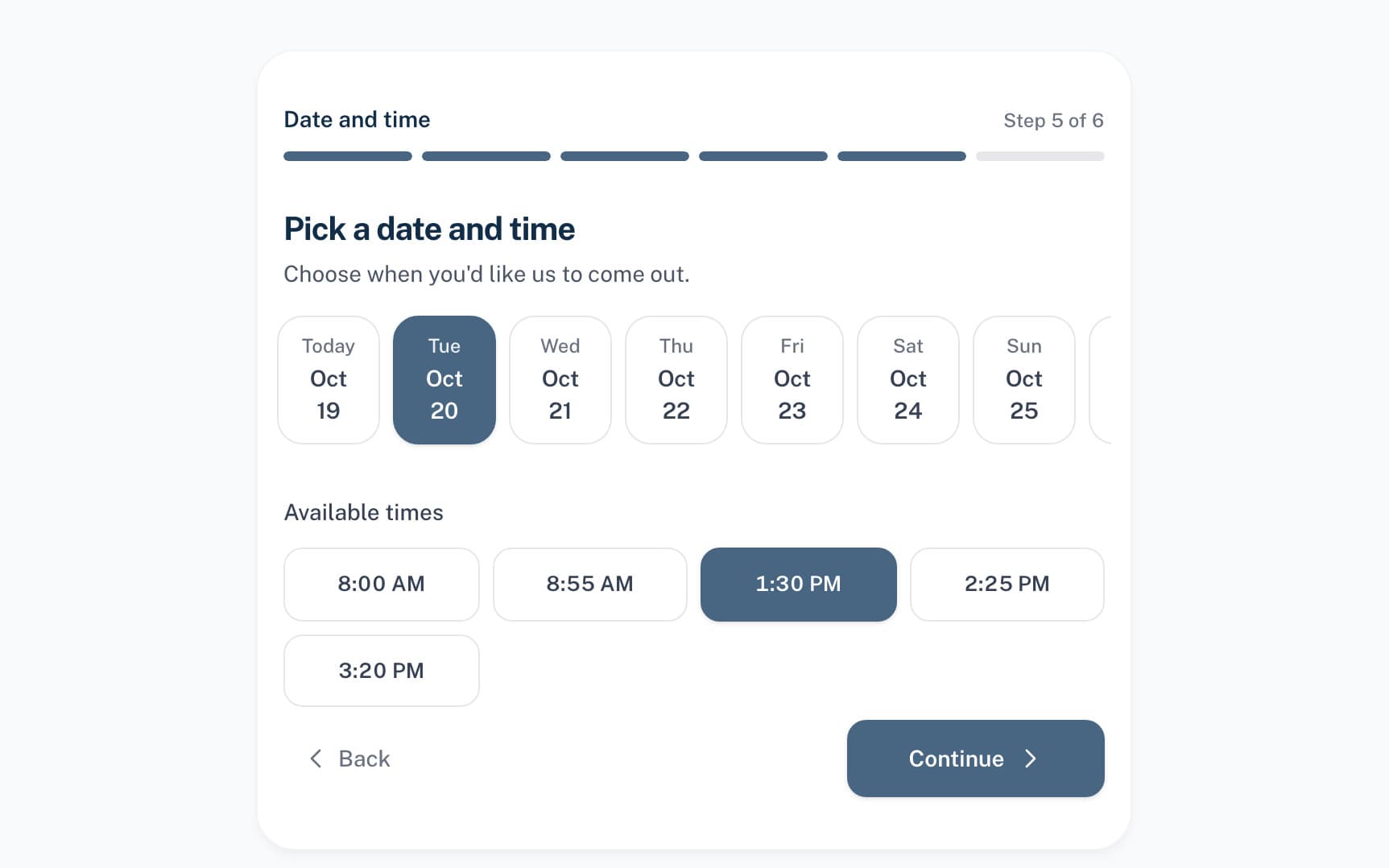
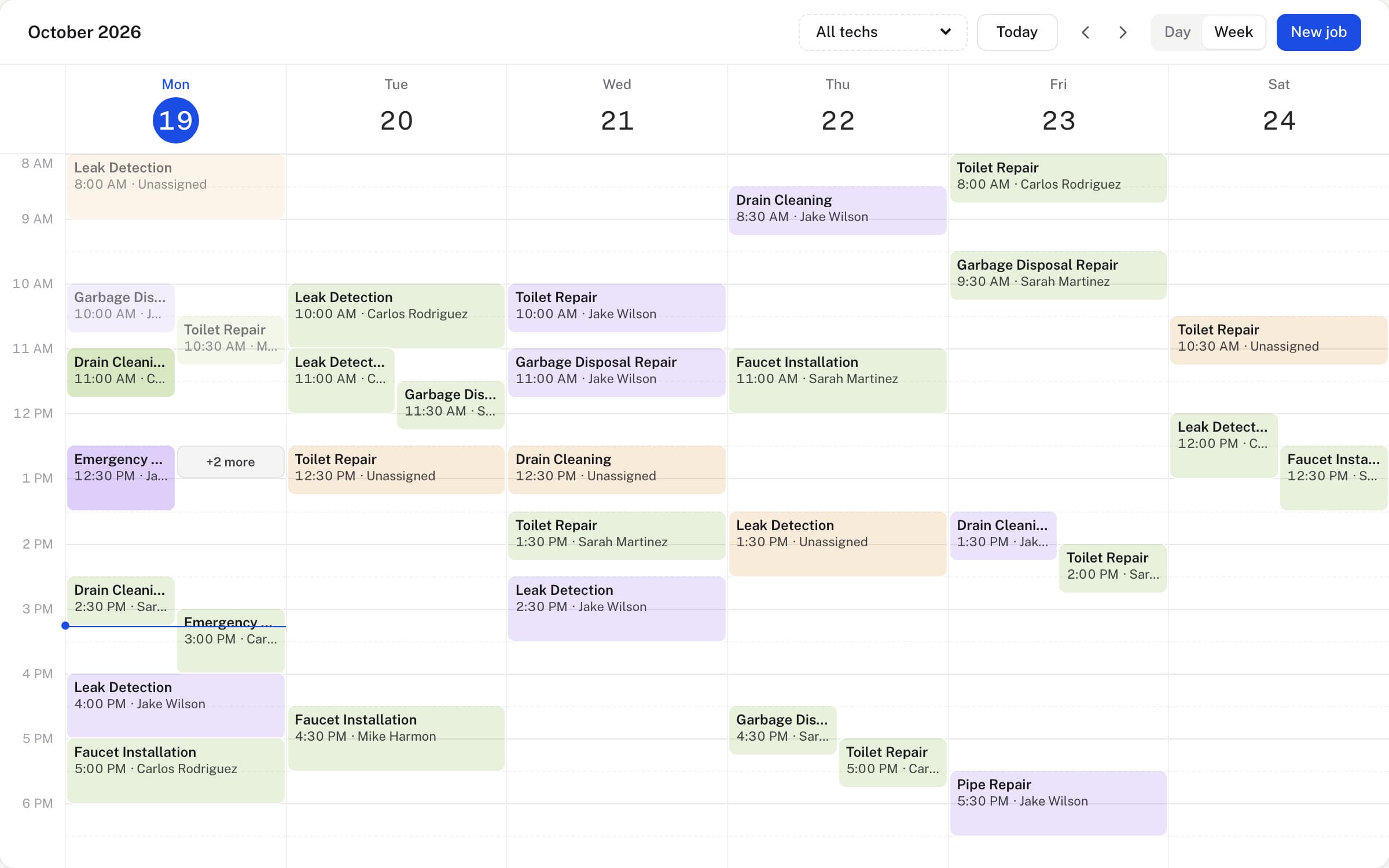
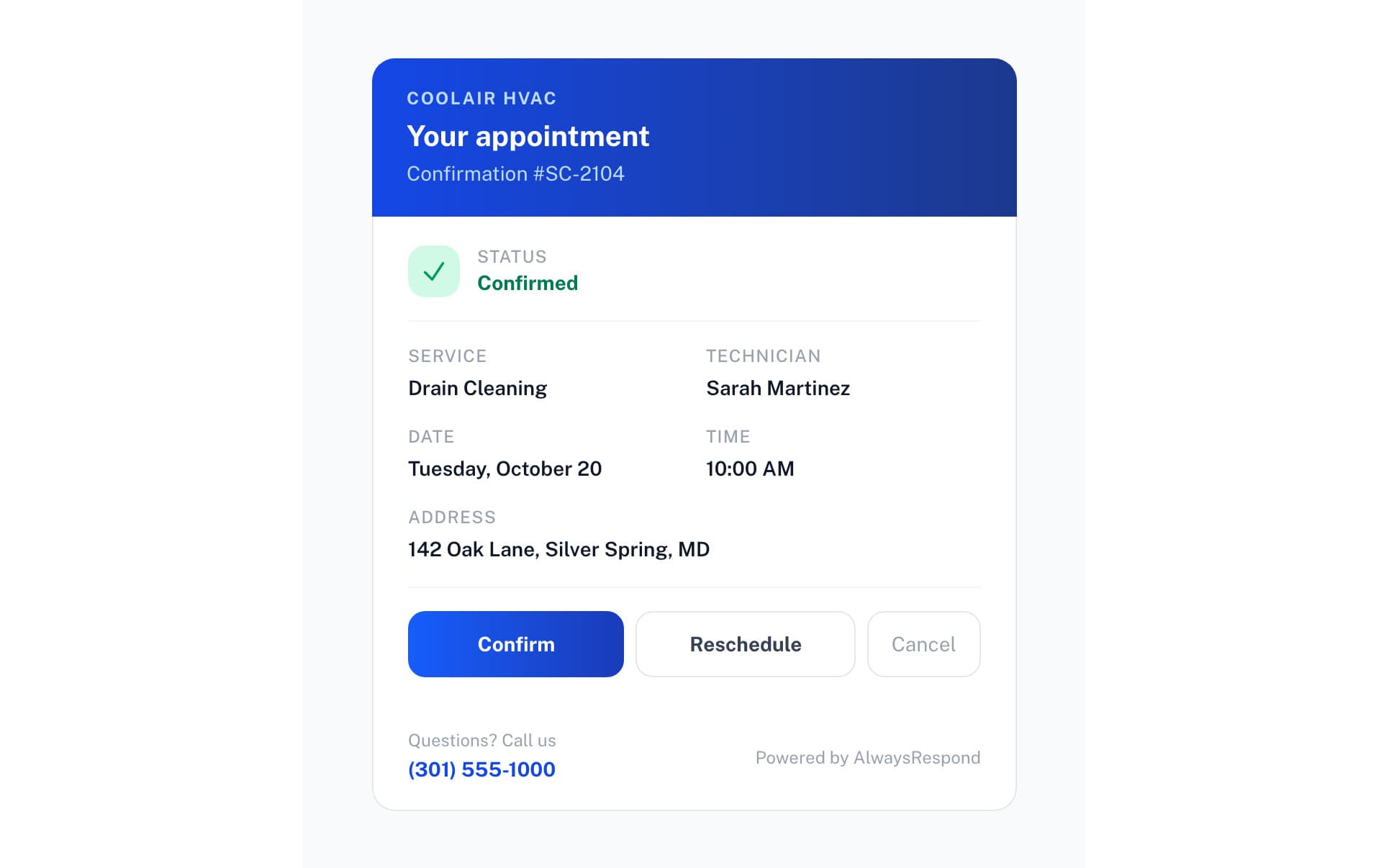
Put your booking page everywhere.
- Embed itOne line of code on Wix, Squarespace, WordPress or any site.
- Add it to GooglePaste the link into your Google Business Profile.
- Send itEmail the link, or print it as a QR code on an invoice or a truck.
The questions owners ask.
Does it work on my existing website?
Yes. Drop in one line of HTML and the booking widget appears. Works on Wix, Squarespace, WordPress, custom sites, anywhere.
Can customers reschedule themselves?
Yes. The customer portal lets them reschedule or cancel within your policy window. You can set a cancellation cutoff like 4 hours before the appointment.
What about deposits?
Not yet. A booking holds the slot without payment today. Invoicing and payment collection happen after the job, through the same platform.
What stops it double-booking a slot the phone just filled?
The booking page does not keep a separate calendar. It reads the same Google Calendar availability the receptionist checks on a live call, so a slot the phone just took is already gone from the page.
What if I don't have a website?
You don't need one. Paste the same link into your Google Business Profile and people book straight from the search result, or text it, email it, or print it as a QR code on an invoice or a truck decal.
What happens if someone books an emergency?
You get a text straight away, so you don't have to be watching your dashboard to catch it. Ordinary bookings go straight onto your calendar with the slot, the intake answers and the address filled in, or wait for you to approve them in a click if you turn on approval in Settings > Online Booking.
Do customers need an account to book?
No. There is nothing to install and no password to make. If they want to move or cancel the job later, the link in their confirmation email takes them straight to it, or they can sign in to the portal with a one-time code sent by email.