
Invoice the customer and get paid online.
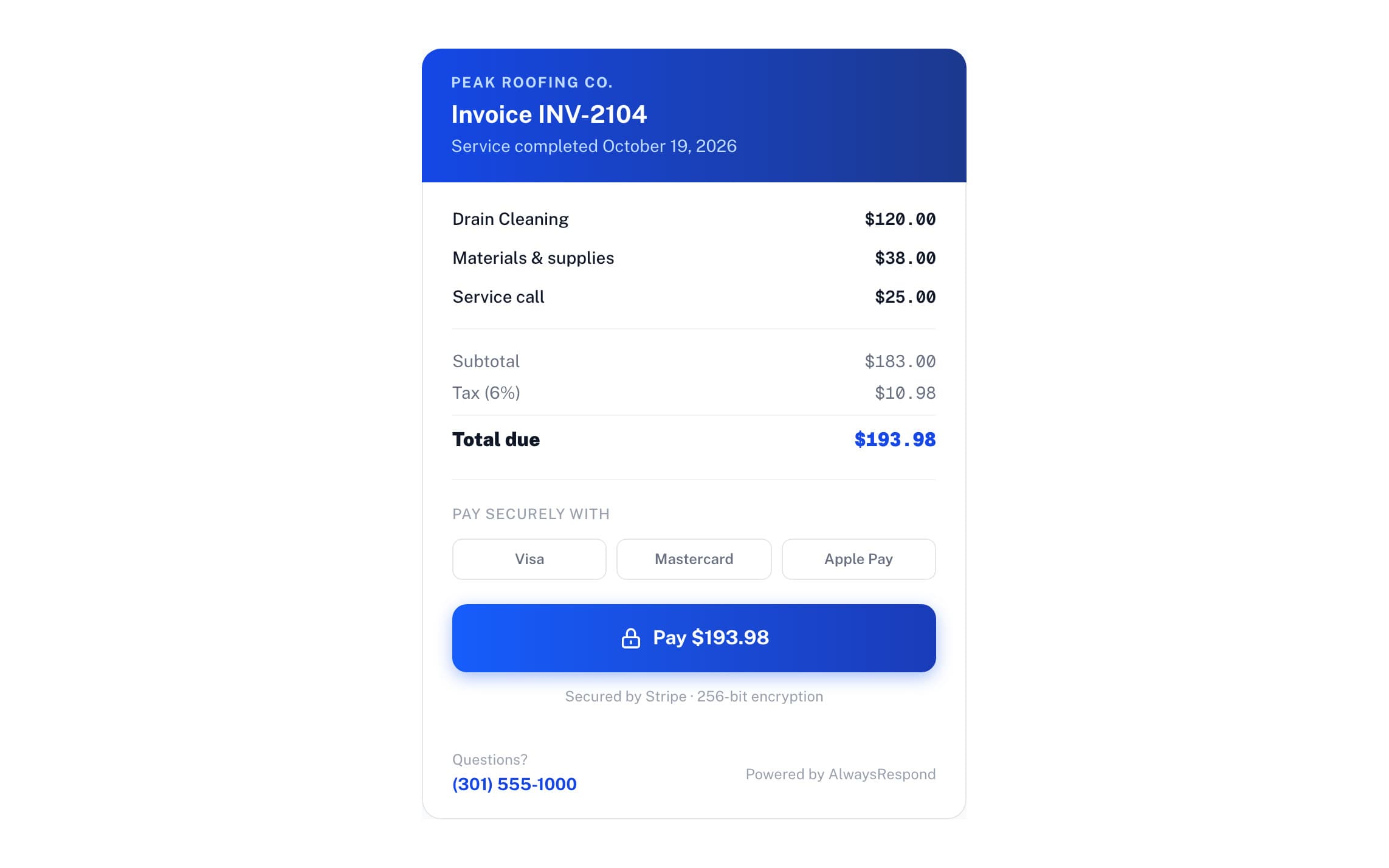
- Email the invoice with a pay link
- Customers pay by card or Apple Pay, no account needed
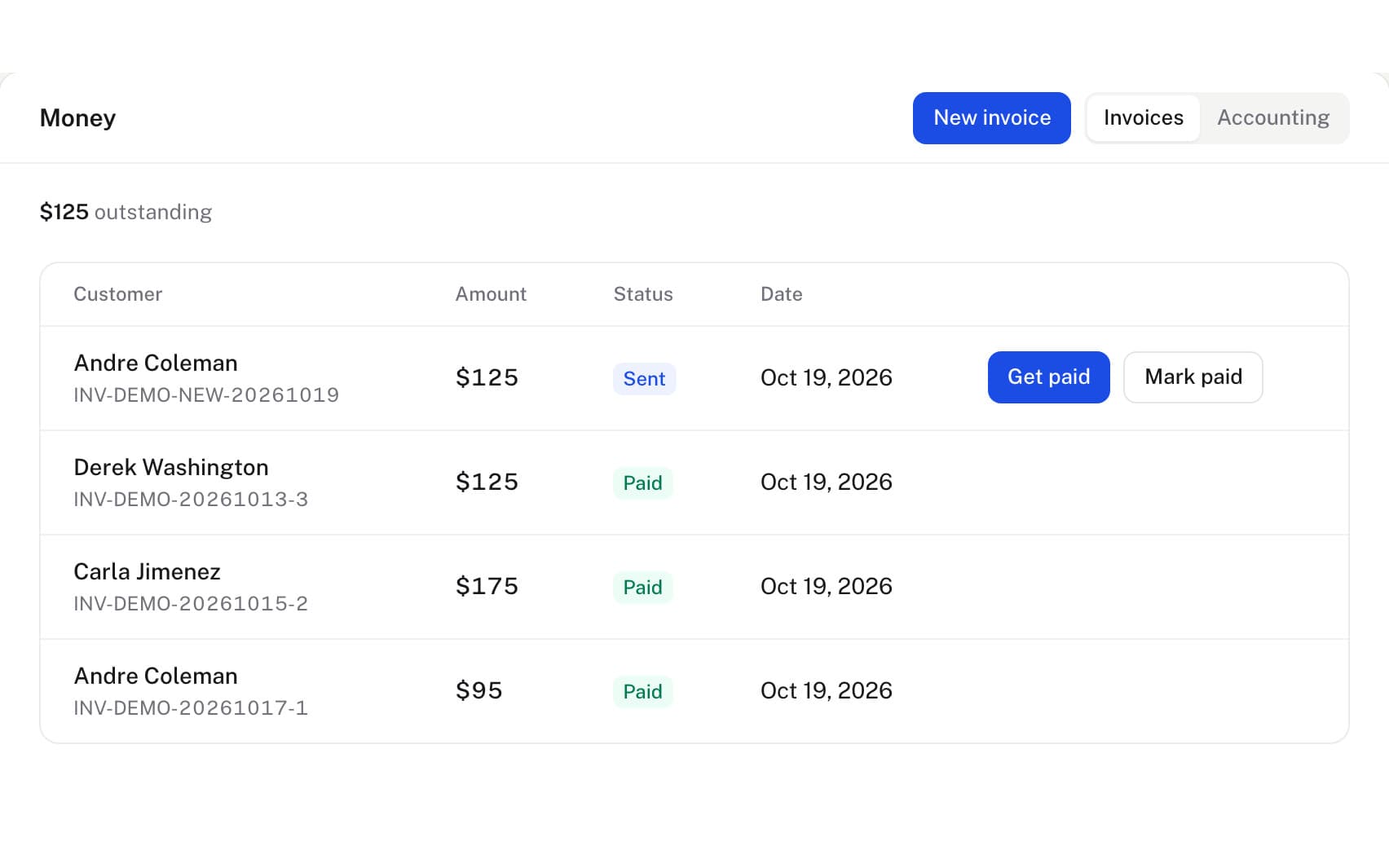
- See what's paid and what's still owed
1 month free. We read your site, and setup takes about 10 minutes.
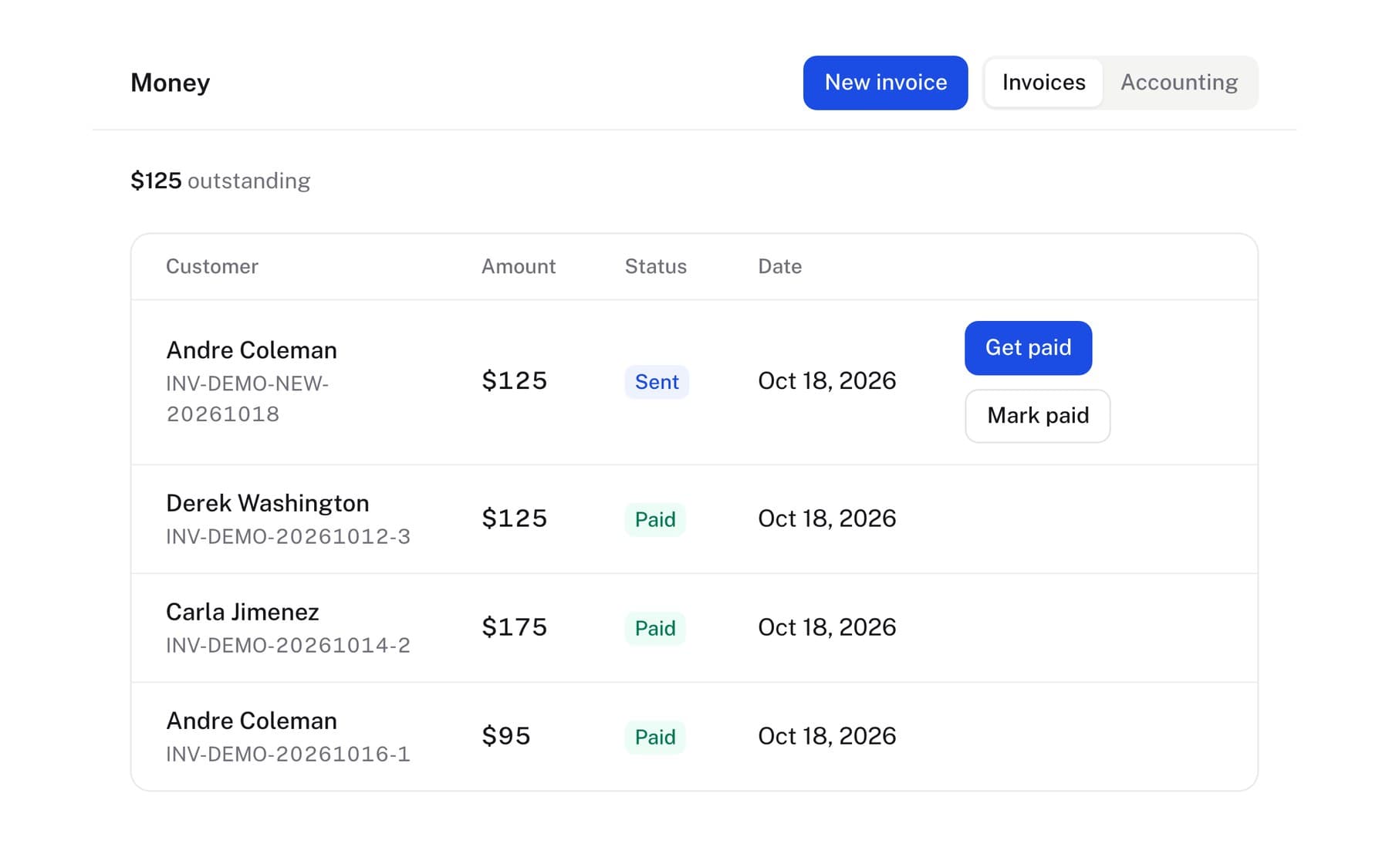
Every payment is matched to its invoice.
Either way, the invoice is marked paid on your board.
From invoice to paid.
Get paid without chasing.
- Card payments through StripeThe money goes to your own Stripe account, with no markup on Stripe's fees.
- Automatic remindersUnpaid invoices get an email reminder from the due date, on the schedule you set.
- Pay at the doorThe tech shows a QR code, and the customer pays before anyone leaves.
The questions owners ask.
What are the fees?
Standard Stripe card fees (2.9% + 30c). We don't add a markup on top.
How fast does the money hit my bank?
Card payments arrive in about 2 business days. Express payouts are available for an extra fee if you need it same-day.
What if they pay by Venmo, Zelle, cash, or check?
That still gets recorded. Connect your bank once through Plaid and those deposits are matched to open invoices for you. Anything ambiguous is left for you to confirm with a tap rather than guessed at.
Do I need a Stripe account?
Yes, for card payments, and the money goes straight to your account rather than through us. Setup is part of onboarding.
Can the tech take payment at the door?
Yes. The tech shows a QR code, the customer scans it and pays on the spot, before anyone has left.
Do my customers need an account or an app to pay me?
No. They tap the link in the invoice email and pay through Stripe by card or a wallet like Apple Pay. There's nothing to download and no account to make.
Will it chase the customers who don't pay?
Yes. An unpaid invoice gets a reminder by email on its due date, then up to two more on the schedule you set in Settings, and by text as well once texting is on for your number. Every invoice also shows on your payments board as paid or still open, so you can see at a glance who still owes you.