
Your customer always has a link to their appointment.
- Confirmations, estimates, invoices and review requests
- Each with a link that opens on their phone
- By email today, and by text once texting is on for your number
1 month free. We read your site, and setup takes about 10 minutes.
Hello Dana, this is Mike's Plumbing. Your Toilet Repair appointment is confirmed for Wednesday, October 21 at 10:00 AM. To view or cancel it, visit alwaysrespond.com/a/k7Qm2. Questions? Call us at (301) 555-1000. Reply STOP to opt out.
Hello Dana, this is Mike's Plumbing. To help us prepare for your Toilet Repair appointment, could you reply to this message with a few photos of the issue? Thank you.
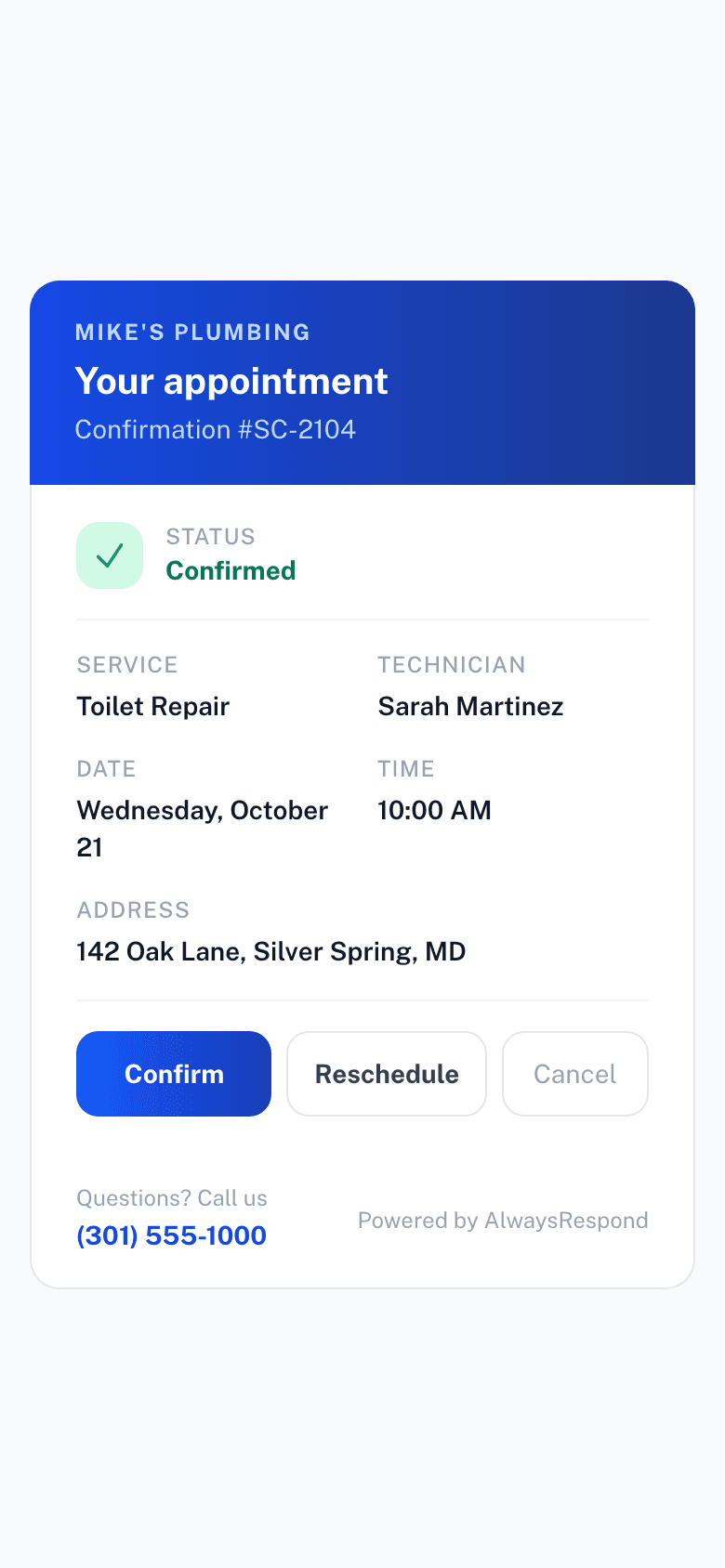
Texts go out once texting is live on your number. Until then, online bookings get the same link by email.
What your customer gets.
What your customer opens.
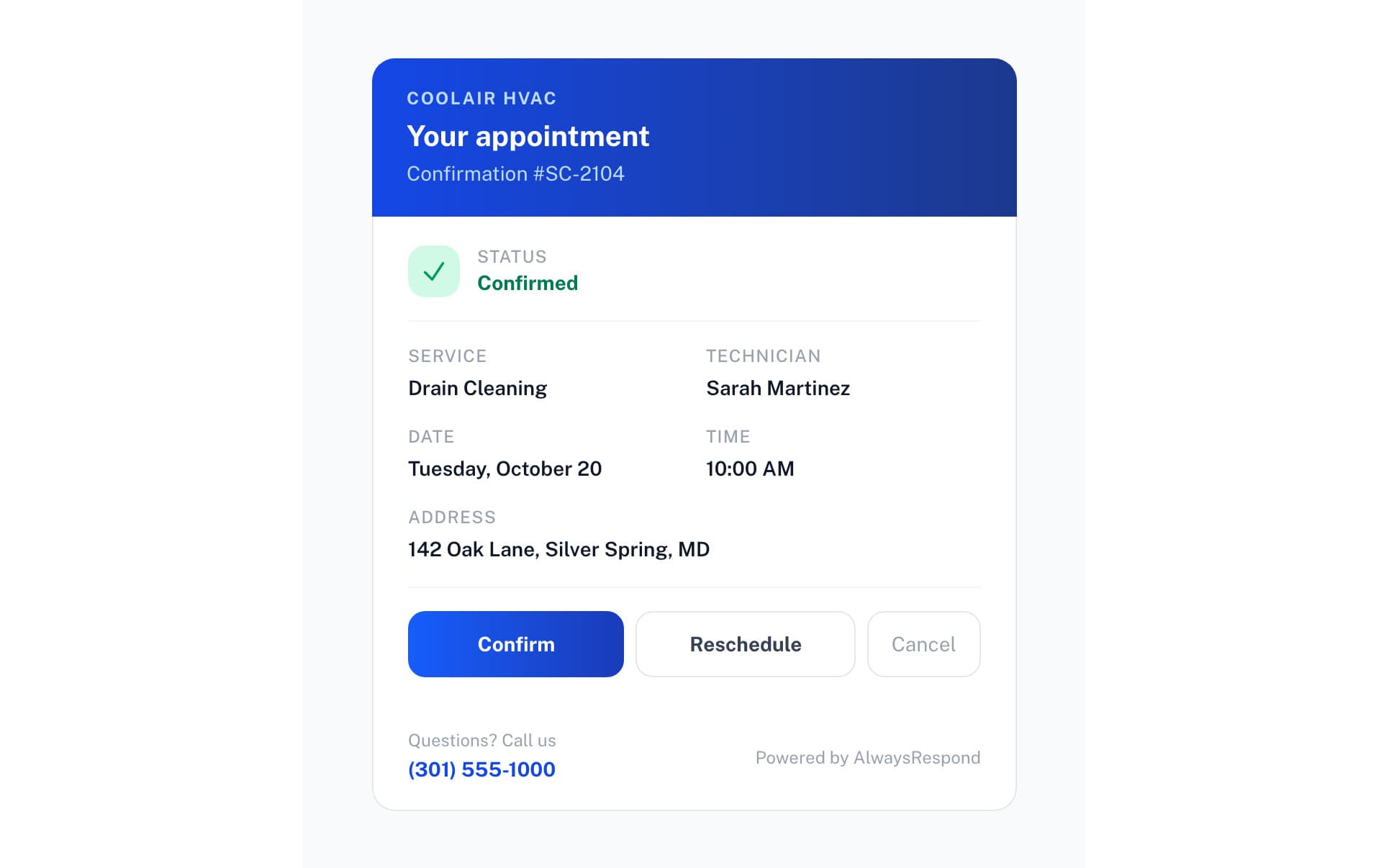
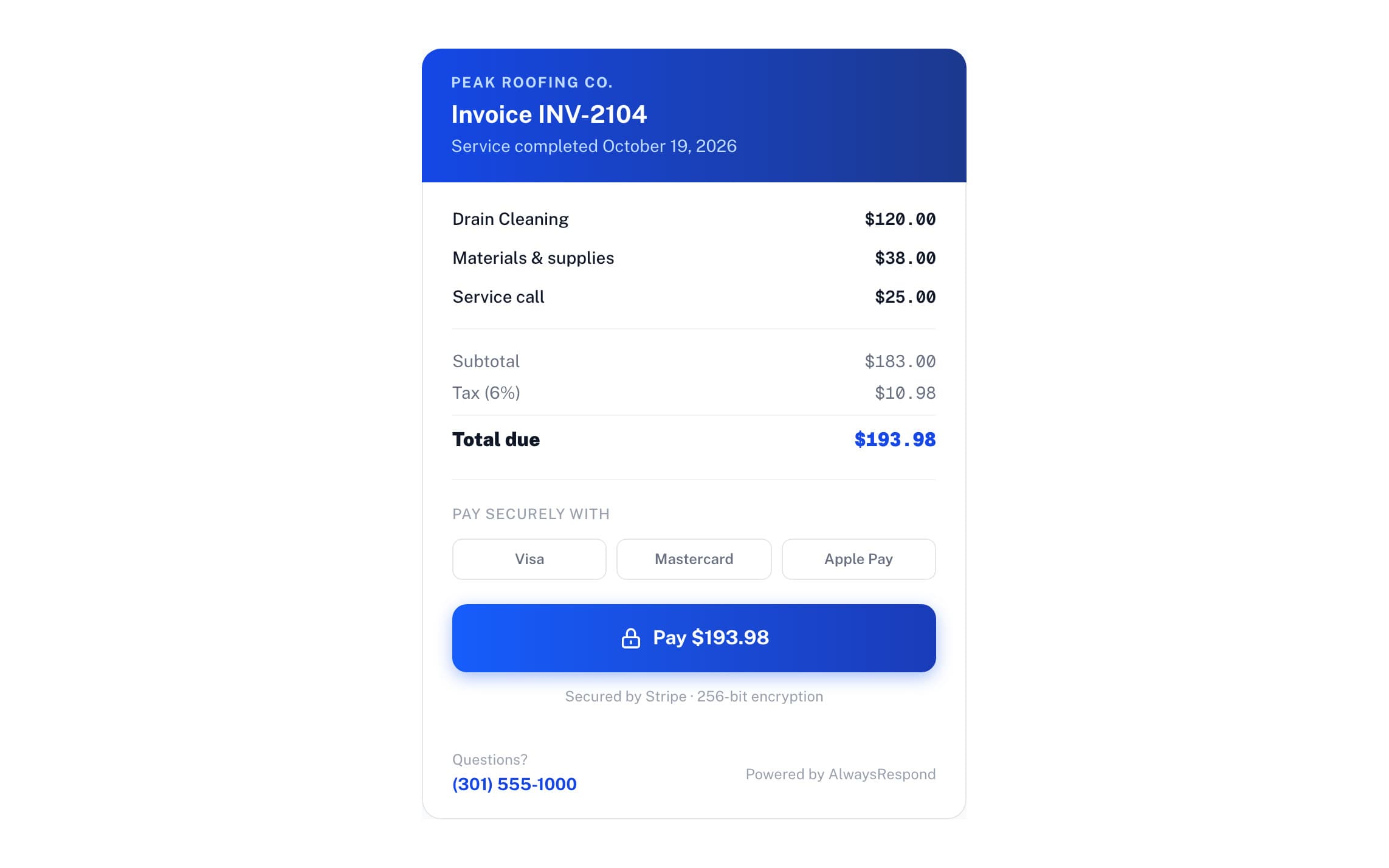
Nothing for your customer to do.
- No appEvery link opens in their phone's browser.
- No accountNo password to make. The link in the email takes them straight to it.
- Pay from the linkThe invoice link opens a payment page, and they pay by card through Stripe.
The questions owners ask.
Do my customers need to download an app?
No. Everything happens through a web link. Customers open the link in their email to see their appointment, move it, cancel it, or pay the invoice. Nothing to install, no password: portal sign-in is a one-time code by email.
When can I text my customers?
As soon as your own texting number is verified. Turn texting on in Settings and we set up a number for your business and submit it for carrier approval, which usually takes a few days and can take up to two weeks. Until then, confirmations, estimates and invoices go by email.
Do I still get texts myself?
Yes. Alerts to you and your team, like a new booking, an emergency or a tech's job card, come by text today.
What does the customer see when they tap the link?
Their appointment: they can see it, move it, cancel it inside your policy window, and pay the invoice when it is ready.
What about callers who hang up before booking?
Every call is answered, so a caller who hangs up without booking is on your call list with what they said, and you can call them back. Once texting is on for your number, they also get a follow-up text.
Can customers pay the invoice from their phone?
Yes. The invoice link opens a payment page on their phone, they pay by card through Stripe, and the job shows as paid for you. The money goes to your own Stripe account.
What does a customer who booked by phone get?
Your AI receptionist reads the whole booking back on the call, the job, day, time and address, and waits for a yes. If they gave an email address they get a confirmation email with the link to their appointment, and once texting is on for your number they get it by text.